

Being a nerd in today’s digital landscape means having access to an incredible array of tools that can supercharge your productivity, creativity, and organization. The right smart tools can transform how you work, learn, and create—turning complex tasks into seamless experiences. Whether you’re coding until dawn, managing multiple projects, or just trying to remember where you saved that brilliant idea, there’s a digital solution designed specifically for your nerdy needs.
AI Assistants: Your Digital Sidekicks
Artificial intelligence has evolved from science fiction to an essential tool for modern nerds. Today’s AI assistants can handle everything from answering complex questions to managing your schedule and even writing code. These digital companions are revolutionizing how we interact with technology.
Conversational AI Tools

Large language models have transformed how we access information and solve problems. These smart tools for modern nerds offer capabilities that extend far beyond simple searches.
ChatGPT
OpenAI’s conversational AI has become an indispensable tool for many nerds. From drafting emails to debugging code, ChatGPT can serve as your personal thinking partner. The Plus subscription unlocks additional features like GPT-4o’s advanced reasoning and multimodal capabilities.
- Helps brainstorm ideas and overcome creative blocks
- Explains complex concepts in simple terms
- Assists with coding challenges and debugging
- Drafts and edits written content
Claude
Anthropic’s Claude offers an alternative AI assistant with strengths in longer conversations and nuanced reasoning. Its ability to process extensive documents makes it particularly valuable for research and analysis tasks that require deeper context.
- Processes up to 100,000 tokens in a single conversation
- Excels at analyzing lengthy documents
- Provides thoughtful, nuanced responses
- Strong at maintaining context over extended interactions
AI Coding Assistants
For the coding nerds among us, AI has revolutionized how we write and debug software. These specialized assistants can dramatically accelerate development workflows.
GitHub Copilot
This AI pair programmer has transformed coding workflows by suggesting code completions in real-time. It understands context from your codebase and can generate everything from simple functions to complex algorithms.
- Integrates directly into popular code editors
- Learns your coding style over time
- Suggests complete functions based on comments
- Helps navigate unfamiliar programming languages
Cursor
Cursor takes AI-assisted coding to the next level with its integrated editor built specifically for AI collaboration. Its chat interface allows you to explain what you want to build in natural language, and the AI will generate the corresponding code.
- Specialized code editor with built-in AI
- Explains existing code on demand
- Refactors and optimizes code automatically
- Helps debug errors with intelligent suggestions
Level Up Your AI Game
Discover how to get the most out of these AI assistants with our comprehensive guides and tutorials.
Note-Taking Tools: Capturing Your Brilliant Ideas
The modern nerd’s mind is constantly buzzing with ideas, insights, and information. Having the right note-taking system can mean the difference between capturing that brilliant thought and watching it disappear forever. Today’s digital note-taking tools go far beyond simple text editors.
Connected Note Systems
The most powerful note-taking tools for modern nerds embrace the concept of connected thinking, allowing ideas to link together in a network rather than existing in isolated silos.
Obsidian
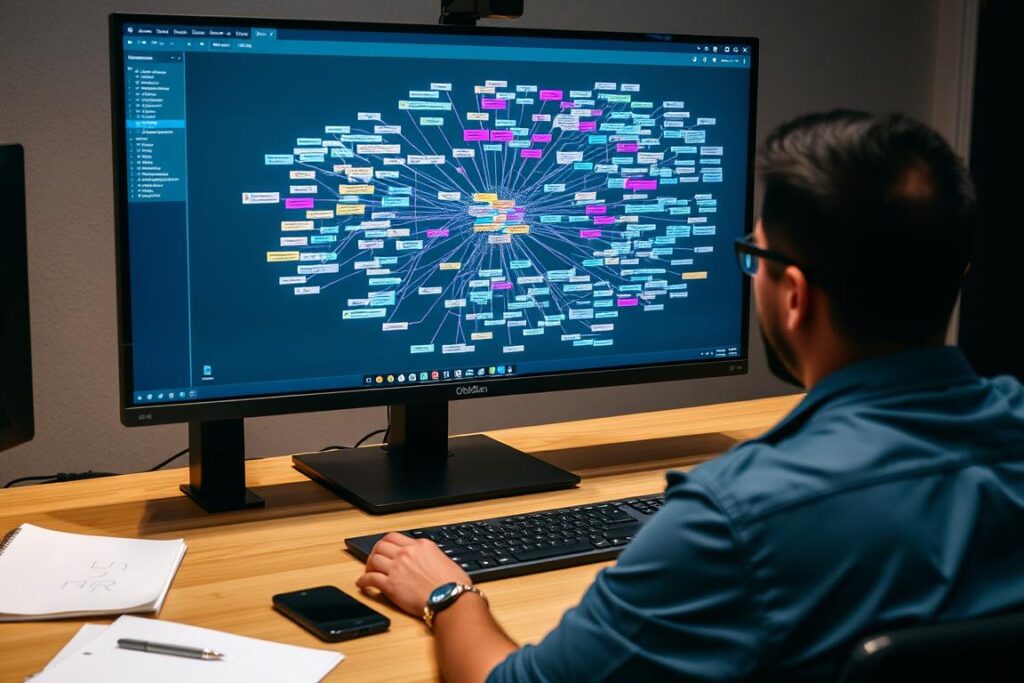
This knowledge base works on local Markdown files and excels at creating connections between your notes. Its graph view visualizes the relationships between your ideas, helping you discover connections you might have missed.
- Creates a personal knowledge graph
- Works with local Markdown files
- Extensive plugin ecosystem
- Customizable workspace layouts
Notion
Notion combines notes, tasks, databases, and wikis into one flexible workspace. Its all-in-one approach makes it ideal for nerds who want to build comprehensive systems for managing both information and projects.
- Combines notes, tasks, and databases
- Highly customizable page structures
- Powerful database features
- Excellent for team collaboration
Quick Capture Tools

Sometimes you need to capture a thought quickly before it vanishes. These tools excel at frictionless note capture.
Drafts
Drafts is the ultimate quick-capture tool that opens to a blank page ready for your thoughts. After capturing, you can send your text anywhere with powerful actions and automations.
- Opens instantly to a blank page
- Powerful text actions and automations
- Markdown support
- Syncs across all devices
Mem
Mem uses AI to organize your notes automatically. Just dump your thoughts, and the system will tag, categorize, and connect them based on content. It’s perfect for nerds who generate lots of ideas but hate organizing them.
- AI-powered organization
- Automatic tagging and connections
- Time-based memory streams
- Powerful search capabilities
“The best note-taking system isn’t the one with the most features—it’s the one you’ll actually use consistently. Find a tool that matches your thinking style.”
Master Your Note-Taking
Learn how to build a personal knowledge management system that works for your unique brain.
Automation Tools: Let the Robots Do the Work
True nerds know that automating repetitive tasks is not just about saving time—it’s about freeing up mental bandwidth for more interesting problems. Modern automation tools can handle everything from simple file organization to complex multi-step workflows across multiple platforms.
No-Code Automation Platforms
These platforms allow you to create powerful automations without writing a single line of code, making them accessible to nerds of all technical backgrounds.
Zapier
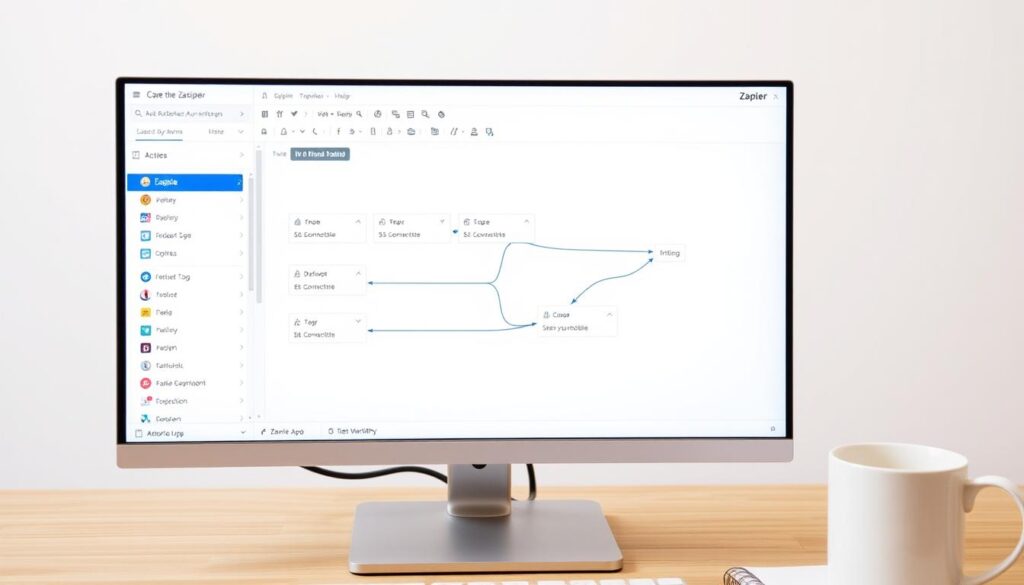
Zapier connects over 5,000 apps and services, allowing you to create automated workflows that trigger actions across multiple platforms. It’s the Swiss Army knife of automation for modern nerds.
- Connects thousands of apps and services
- Visual workflow builder
- Multi-step Zaps for complex automations
- Filters and conditional logic
Make (formerly Integromat)
Make offers more granular control over your automations with a visual, flowchart-style interface. It’s ideal for nerds who want deeper customization and more complex logic in their workflows.
- Visual flowchart interface
- More technical flexibility than Zapier
- Data mapping and transformation
- Iterators and aggregators for data processing
OS-Level Automation
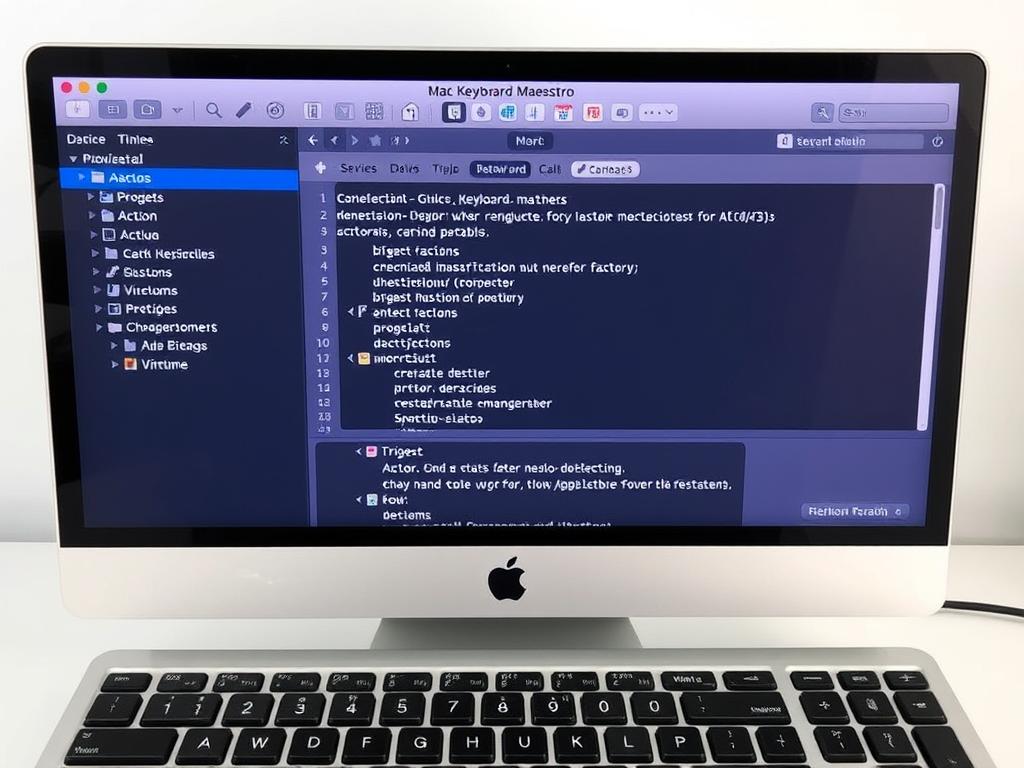
For the true automation nerds, these tools let you control your operating system at a deeper level, automating tasks that would otherwise require manual intervention.
Keyboard Maestro (Mac)
This Mac automation powerhouse can control applications, manipulate text, automate clicks and keystrokes, and even respond to system events. It’s the ultimate tool for Mac nerds who want to optimize their workflow.
- Powerful macro capabilities
- Triggers based on time, location, or system events
- GUI scripting and window management
- Text manipulation and transformation
AutoHotkey (Windows)
This free, open-source scripting language for Windows lets you create macros, automate repetitive tasks, and customize keyboard shortcuts. It’s the tool of choice for Windows power users who want complete control over their system.
- Powerful scripting language
- Custom hotkeys and hotstrings
- GUI automation
- Large community with shared scripts
Automation Tip for Nerds
Follow the “Rule of Three”: If you find yourself doing the same task manually three times, it’s time to automate it. The initial setup time will pay dividends in the long run.
Become an Automation Wizard
Check out our step-by-step tutorials for creating powerful automations that will save you hours every week.
Productivity Systems: Frameworks for the Nerdy Mind
Beyond individual tools, modern nerds benefit from comprehensive productivity systems that help manage complex projects, goals, and information. These smart tools for modern nerds combine software with methodologies to create powerful workflows.
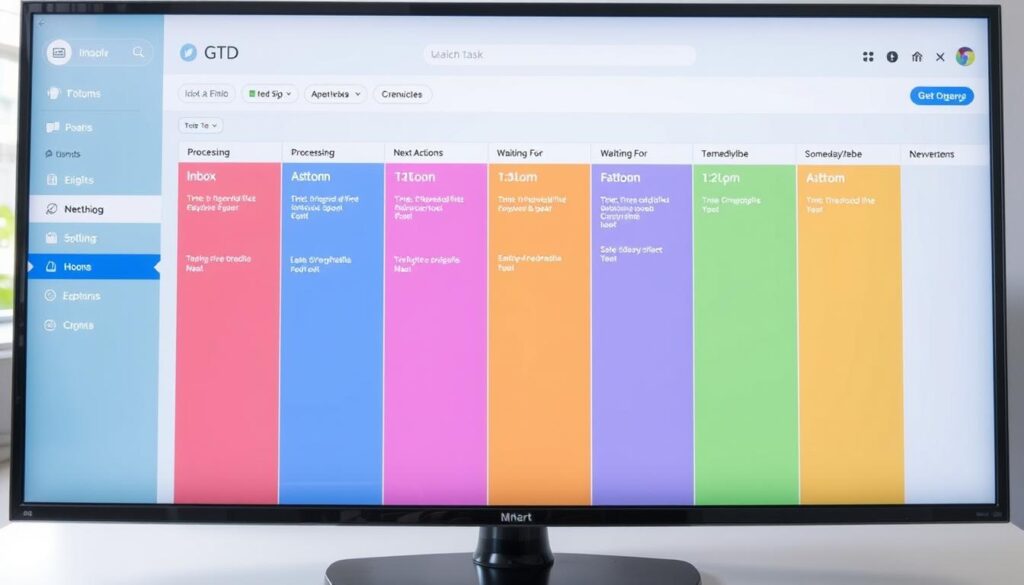
Todoist + GTD
Combining the powerful task manager Todoist with David Allen’s Getting Things Done methodology creates a comprehensive system for capturing, clarifying, organizing, and reviewing all your commitments.
- Natural language input for quick task creation
- Projects and labels for GTD contexts
- Filters for custom views
- Cross-platform synchronization
TickTick + Pomodoro
TickTick combines task management with a built-in Pomodoro timer, creating a powerful system for both planning work and executing it in focused time blocks—perfect for nerds who struggle with distraction.
- Integrated Pomodoro timer
- Calendar view for time blocking
- Habit tracking
- Task prioritization
Knowledge Management: Tools for Lifelong Learning
Modern nerds are perpetual learners, constantly absorbing new information. These tools help organize and retain that knowledge for the long term.

Readwise Reader
This all-in-one reading app combines a read-it-later service with powerful highlighting, annotation, and spaced repetition features. It’s designed to help you not just consume content but actually remember and integrate what you learn.
- Unified reading inbox for articles, newsletters, and PDFs
- Powerful highlighting and annotation
- Spaced repetition for review
- AI summarization and question generation
Anki
This spaced repetition flashcard system is based on cognitive science principles to help you remember anything. It’s a favorite among medical students, language learners, and anyone who needs to commit large amounts of information to long-term memory.
- Scientifically-based spaced repetition algorithm
- Supports text, images, audio, and video
- Customizable card templates
- Extensive add-on ecosystem
Communication Tools: Connecting the Nerdy Way
Even the most introverted nerds need to communicate. These tools help streamline collaboration and make sharing ideas more efficient.

Slack + Workflows
Slack becomes truly powerful when you leverage its built-in workflow builder and integrations. Create custom processes that automate repetitive communication tasks and keep information flowing smoothly.
- Custom workflow automation
- Thousands of app integrations
- Channels for organized discussions
- Powerful search capabilities
Discord
Originally built for gamers, Discord has evolved into a powerful community platform used by developers, creators, and interest groups. Its combination of text, voice, and video makes it ideal for nerdy communities.
- Seamless voice and video chat
- Server organization with roles and permissions
- Bot integrations for automation
- Screen sharing and collaboration features
How do I choose the right tools for my workflow?
Start by identifying your specific needs and pain points rather than chasing the latest trending tools. Consider your working style, the types of projects you handle, and your collaboration requirements. Test new tools with a small project before fully committing, and remember that simpler is often better—the best system is one you’ll actually use consistently.
Should I use multiple tools or look for all-in-one solutions?
This depends on your preferences and needs. All-in-one tools like Notion offer convenience and reduce context switching, but specialized tools often provide deeper functionality in their specific domains. Many modern nerds use a core system (like Obsidian or Notion) as their “second brain” while integrating specialized tools for specific workflows through automation platforms like Zapier.
How can I prevent tool overload?
Conduct regular reviews of your toolset and be ruthless about eliminating tools that don’t provide significant value. Follow the “one in, one out” rule: when adopting a new tool, identify one to retire. Focus on mastering a core set of tools rather than constantly switching to the latest options. Remember that proficiency with fewer tools is more valuable than superficial knowledge of many.
Empowering Your Nerdy Life with Smart Tools
The right combination of smart tools for modern nerds can transform how you work, learn, and create. By thoughtfully selecting tools that align with your specific needs and workflows, you can build a digital ecosystem that amplifies your capabilities rather than adding complexity.
Remember that tools should serve your goals, not become goals themselves. The best system is one that feels nearly invisible, allowing you to focus on the work that matters rather than managing the tools themselves.
Benefits of Smart Tools
- Automate repetitive tasks to free up mental bandwidth
- Capture and organize ideas more effectively
- Reduce friction in workflows and processes
- Enable deeper focus on creative and complex work
- Facilitate collaboration and knowledge sharing
Potential Pitfalls
- Tool overload can create more complexity than it solves
- Constant switching between tools reduces productivity
- Learning curves can temporarily decrease efficiency
- Subscription costs can add up quickly
- Over-optimization can become a distraction

Discover More Tech for Modern Nerds
Explore our complete collection of articles, guides, and reviews covering the latest tools and technologies for enhancing your nerdy pursuits.